EU data centre · engineers in Jelenia Góra Provisioned within 24 h on working days · hello@thebillboys.pl
The Bill BoysInfrastructure
Support

How support actually works here.

Every environment we sell is built by a named engineer, and the same team answers when something goes wrong with it. There is no first line reading from a script, and no ticket number that has to travel through three departments before it reaches somebody who can log in. This page sets out what we promise, how to reach us, and where our responsibility stops.

Working days, Central European Time · S1 cover around the clock on Scale plans

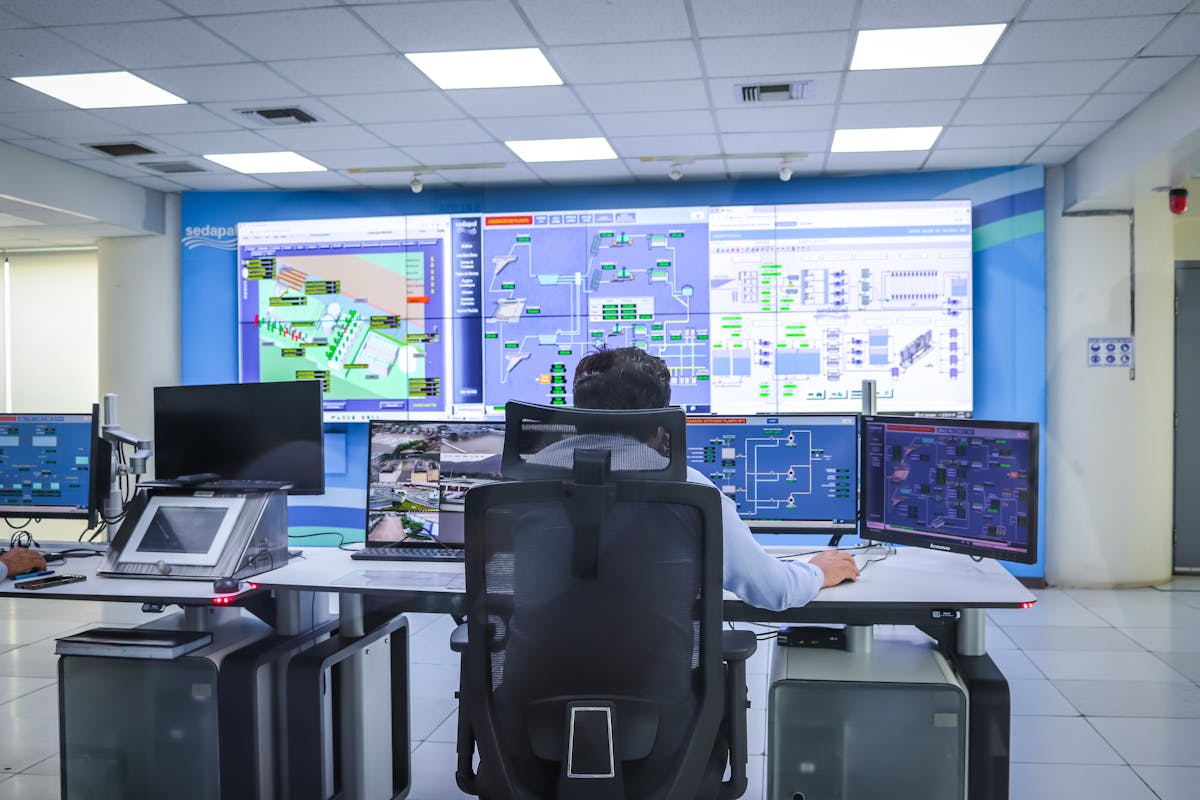
Operators at a control-room desk facing a wall of monitoring screens
Monitoring desk
Engineer working at a keyboard beside equipment racks in a blue-lit room
On the floor
Engineer inspecting equipment inside a server rack
Hands on the hardware
1 hFirst response to an S1 report: production down or data at risk
4 hFirst response to an S2 report, counted in working hours
< 24 hProvisioning after payment on working days, by a named engineer
24/7On-call cover for S1 on Scale plans; business hours on the others
Severity

Four severities, four response targets

The severity decides how quickly we answer and who answers. Tell us which one you think applies and we will correct it if we read it differently.

SeverityWhat it meansFirst responseWho answers
S1 Production down
Your site, server or cluster is unreachable or data is at risk.
1 hour 24/7 on Scale plans; business hours otherwise
S2 Degraded service
Something works but slowly or intermittently: high load, failing cron, partial errors.
4 working hours Support engineer
S3 Question or change
A configuration change, a new mailbox, a firewall rule, advice on sizing.
1 working day Support engineer
S4 Planned work
Migrations, upgrades, new environments, scheduled maintenance windows.
Scheduled with you The engineer who built your environment

These are first-response targets, not resolution guarantees. A first response means an engineer has read your report, looked at the system, and told you what they can see and what happens next. How long a repair takes depends on what broke: a failed disk is a scheduled swap, a corrupted database is a restore from the most recent good copy, and an application fault may need your developer alongside our engineer. We will not quote a fix time before we know the cause. What we will do is agree an update interval at the start and keep to it, rather than going quiet while we work.

Channels

Four ways in, one record

However a conversation starts, it continues by email, because that is the copy both sides can still search a year later.

Two colleagues reading code together on a laptop

The same people every time

There is no phone queue to sit in, no separate support company and no portal to learn before you are allowed to report a fault. The engineers who provision and patch your environment are the ones who read what you send.

If your plan comes with a named engineer you can write to them directly. When they are away, whoever covers has the same notes on your environment in front of them.

MAIL

Email

The system of record. Reports, replies, credentials and decisions all live here, and any of it can be quoted back to us later. Attach logs, dumps and screenshots; nothing is too long to read. Write to hello@thebillboys.pl.

Best for incidents, anything with evidence attached, anything you may need to refer back to.

FORM

The contact form

Reaches the same inbox, with your details and the reason for writing already structured, so an engineer does not have to spend the first reply working out who you are and what you run.

Best for a first approach, and for sizing questions asked before you order. Open the form

CHAT

The panel in the corner

The button sitting in the corner of every page on this site. It is not a live queue with an operator waiting: what you write is read by the same team and answered by email, so leave an address you actually read.

Best for a short question while you are still reading a plan.

CALL

Callback

On Growth and Scale plans we will ring you back on a number you give us. Talking is quicker than typing when you are already sitting in a console with an incident in front of you. What was agreed is written up afterwards, by email.

Best for a live incident, and for walking through a change before it happens.

Scope

What support covers, and what it does not

This is the part worth reading before you order. A clear boundary is worth more than a generous-sounding promise nobody can keep.

Covered, on every plan that has it

  • The platform underneath you: host hardware, the hypervisor, firmware, power and cooling in the facility.
  • The network up to your server: routing, the two upstream carriers, border DDoS filtering, IP allocation and reverse DNS.
  • Hardware faults. A failed disk, memory module or power supply is replaced by our own engineers and the RAID rebuild is watched to the end.
  • Backups: that they run, that they finish, and that a restore actually works. Restore tests are documented every quarter.
  • Restores on request, from the retention window your plan states.
  • TLS certificates for hostnames pointed at us, including renewal before expiry.
  • Monitoring and alerting: reachability, resource use and certificate expiry, with alerts reaching an on-call engineer.
  • Operating-system administration on managed plans: security updates, the panel, PHP versions, the web server and the database configuration.
  • Migration of existing sites and data, in the form each plan states. How migration runs

Not covered, and we will say so plainly

  • Your application code. We will read the logs with you and point at the cause. Changing the code is development work, agreed and quoted separately before anything starts.
  • Third-party plugins, themes and extensions, including a plugin that breaks after its own update, and conflicts between two of them.
  • Content changes. Editing pages, uploading products, changing images or text on your own site.
  • Licences you buy elsewhere: commercial plugins, control panels, software subscriptions. Windows licensing bought through us is billed at cost and stated before you order, so that one is ours.
  • Whatever you install on top on a root-access plan, unless we have agreed a managed arrangement in writing.
  • Data you deleted yourself once the retention window has passed. Backups are not infinite, and the window is on your plan.
  • Tuning your own queries, your SEO and your design. We will show you which query is slow. Rewriting it is your developer's work or a separate engagement.
Reporting

How to write a report that gets fixed fast

None of this is bureaucracy. Each line removes one round trip, and a round trip on a bad morning costs more than the time it takes to write.

Name the thing

The exact hostname, domain, IP or service that is affected, and whether it is all of it or one site among several. If you have more than one environment with us, say which one you mean.

Say what changed

A deployment, a plugin update, a DNS edit, a new cron job, a rotated password, a campaign that tripled the traffic. If nothing changed on your side, say that too. It is a useful answer and it narrows the search.

Paste the exact error

The text as it appears, not a description of it, plus timestamps with the timezone written out. Our logs are kept in one timezone and yours may not be. A screenshot helps a human; the text is what an engineer can search for.

List what you tried

Restarted the service, cleared a cache, rolled back a release, tested from a second network or a phone. It stops an engineer spending the first thirty minutes repeating work you have already done.

Show how to reproduce it

The URL, the account, the sequence of clicks or the request that fails. If it is intermittent, give a rough frequency: once an hour, only under load, only on one page, only for one customer.

State the impact

Whether the business is stopped, slowed or merely irritated, which severity you think that makes it, and who we should reply to. If we disagree with the severity we will say so in the first reply and explain why.

Responsibility

Managed plans and root-access plans

Where our administration stops is set by the plan you bought, not by how the conversation goes on the day.

We hold root and run the operating system

These plans are administered through a panel. You do not get a shell, because the isolation that keeps one account away from another depends on us holding root. In exchange, the operating system, the web server, PHP, the database and the panel are all ours to patch and to keep working.

Backup & Object Storage sits outside this split. There is no operating system to log into, only API keys that you hold and rotate yourself.

You hold root and the operating system is yours

These plans give you administrative access and expect you to use it. We stay responsible for the hardware, the hypervisor, the network, the snapshots and the security updates of the base operating system we installed. Everything you put on top belongs to you until we agree otherwise in writing.

Support on these plans is still support, not silence. We will look at a failing service with you and tell you what we can see from our side, even when the cause turns out to be above the line.

Patching

Who applies which update

On every plan we patch the host hardware and its firmware, the hypervisor, the network devices and our own tooling. On managed plans we also patch the operating system, the panel, the web server, PHP and the database, and we check afterwards that the site still renders.

On root-access plans you own your runtime versions, your containers and your application dependencies. That can be handed to us as a managed arrangement, written down and priced before it starts, and it then moves into the covered column above.

Laptop open on a dark desk showing a code editor
Maintenance

Planned windows, and the work that cannot wait

Announced work goes to the email address on your order. If several people need to know, send us the addresses and we will write to all of them.

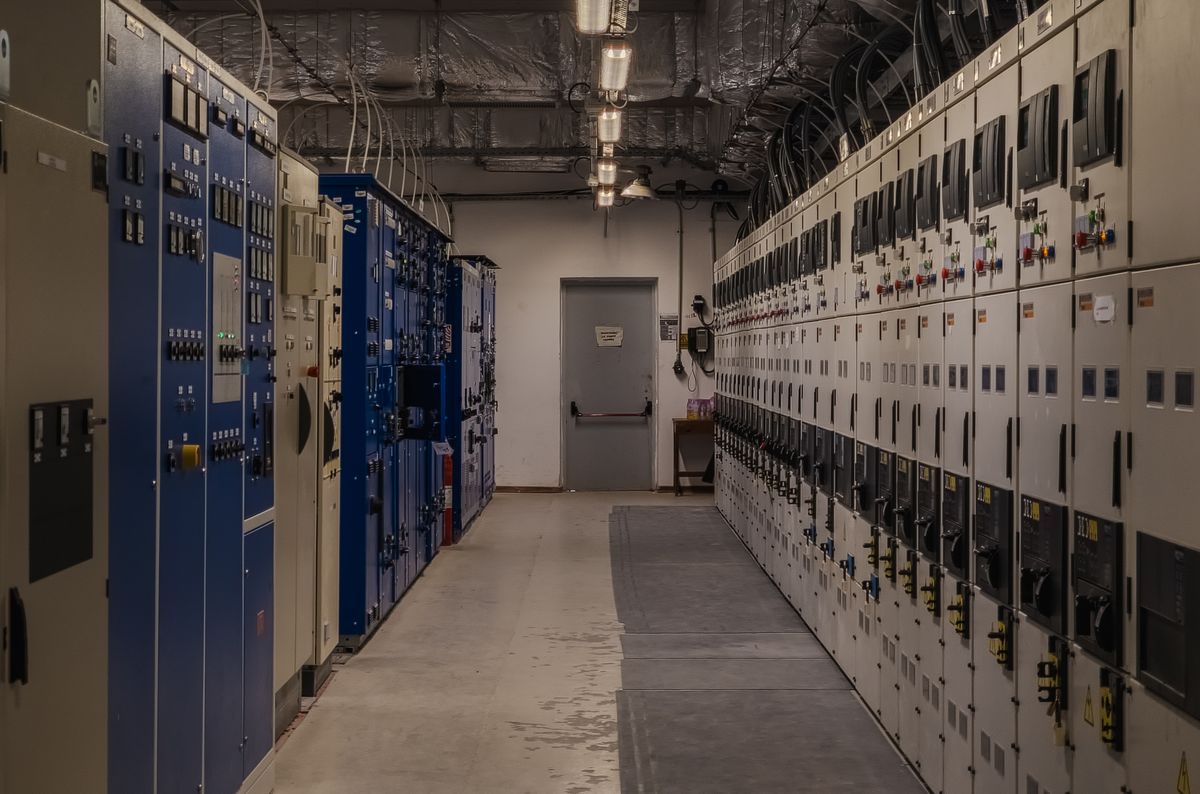
Corridor lined with electrical switchgear cabinets
Power path maintenance
Hands sliding a circuit board into a chassis
Component swap
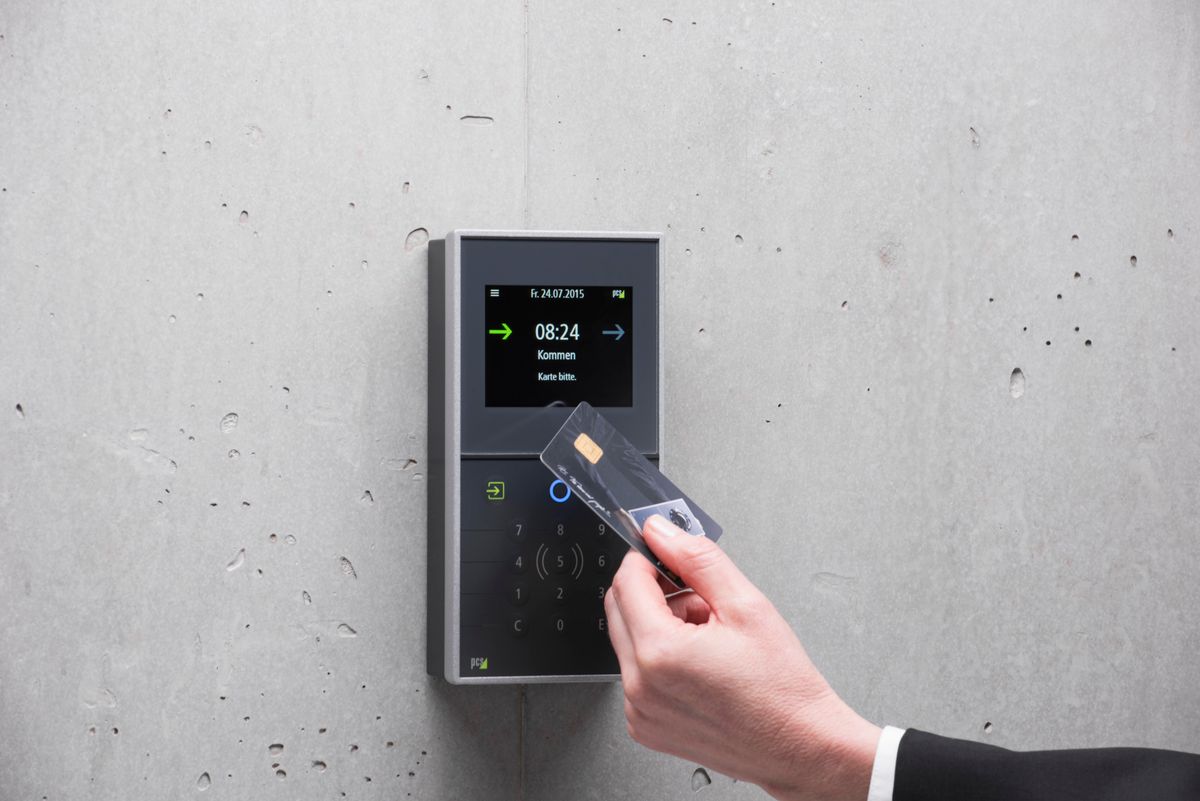
Hand holding an access card against a door reader
Logged access

How a window is announced

Planned work is announced at least five working days in advance and scheduled outside business hours in Central European Time. The notice says what will be done, when the window opens and closes, which of your services are in scope, and what you would notice if the work goes as expected.

What a window means for a running service

The window is the period in which work may happen, not the length of an interruption. Most maintenance causes none at all, and much of the rest is a single reboot. Where a service genuinely has to stop, the announcement says so before you have to find out.

Work that happens without notice

A security fix being actively exploited, or a component that is failing now, is handled immediately. We do not hold a critical patch for five days so that a notice period can be observed. What was done, when, and why is written to you afterwards.

Something wrong, or something you want to check first?

Write to us with the detail above and an engineer picks it up. If you are still deciding, the questions page answers most of what people ask before ordering.